How to Cancel a Subscription and Get a Refund in the UK
UK consumers lose around £1.6 billion every year to unwanted subscription renewals. Most of that money never gets returned, not because people have no rights, but because they do not know what steps to take.
Let me tell you how to cancel a subscription and get a refund in the UK, including your legal rights in 2026, how to cancel through app stores and PayPal, and what to do if a company refuses to cooperate.
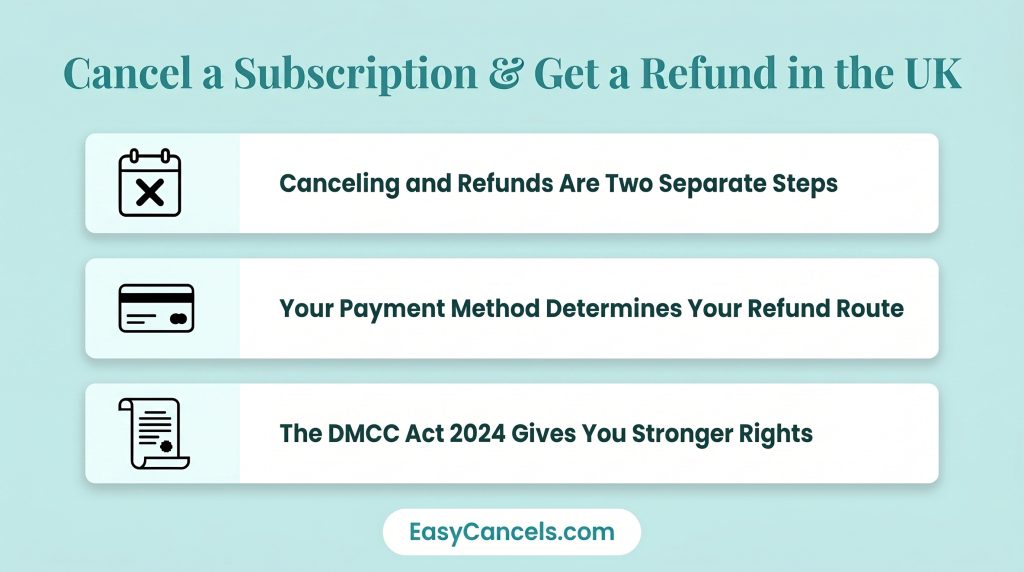
Here are the three most important things to know before you start:
- Canceling a subscription and requesting a refund are two separate steps. You need to do both.
- The refund route that carries the most legal weight depends on how you paid.
- The DMCC Act 2024 is now in force in 2026 and gives you stronger rights to dispute charges than before.
Cancelling and Refunding
This is the most misunderstood part of the whole process. When you cancel a subscription, you stop future charges and usually keep access until the end of your current billing period. That is it. No money comes back automatically.
A refund is a completely separate request. You need a valid reason to ask for one, such as a cooling-off period, being misled, or a service that did not work as promised. Then you have to request it through a separate process.
Think of it as two steps you need to do at the same time. Cancel first to stop future charges, then go after the refund through the right channel.
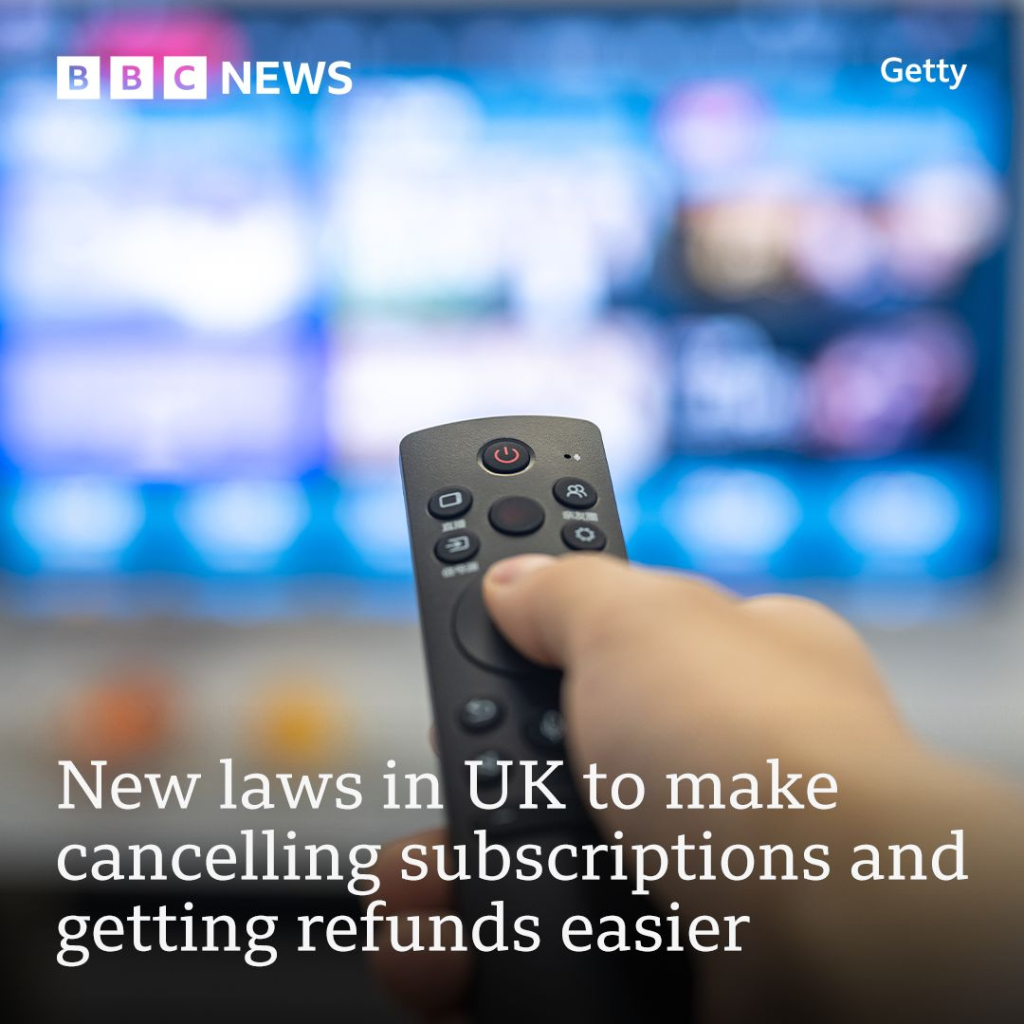
The DMCC Act 2024 is now in force in 2026 and makes both steps easier. It gives you stronger grounds to dispute charges and puts new obligations on companies. If they do not follow the rules, they can face action from Trading Standards.
Your Legal Refund Rights in 2026
The Consumer Contracts Regulations 2013 give you a 14-day cooling-off period on most subscriptions.
★ The countdown starts from the date you bought the subscription, not from when you first used it or when the first charge hit.
Some companies claim digital products are exempt from this rule, but that is only true if you gave clear and active consent to immediate delivery and agreed in writing that you were giving up your right to cancel. A small checkbox hidden at checkout does not count and can be challenged under the DMCC Act 2024.
Under the DMCC Act 2024, which is now in force in 2026, companies must:
- Send you a reminder before each auto-renewal
- Let you cancel in one simple step with no tricks or confusing steps
- Give you a cooling-off period after each automatic renewal, not just when you first sign up
If a company does not follow these rules, you have direct grounds to request a refund and file a complaint with Trading Standards through Citizens Advice on 0808 223 1133. The Competition and Markets Authority is also actively going after companies that do not comply, which works in your favor when you escalate a dispute.
Free Trial Converted Without Warning
If a free trial turned into a paid subscription without a clear reminder, you have grounds to dispute the charge.
Unclear or hidden trial-to-paid terms also count as “services not as described” under card scheme rules, which means you may be able to request a chargeback through your bank.
Cancelling Platforms
The most common reason people get stuck is not knowing where the cancel button is. If a company deliberately makes canceling difficult through hidden buttons, multiple confusing steps, or forcing you to call them, this is now against the rules under the DMCC Act 2026. You can report it to Trading Standards through Citizens Advice.
If a company refuses to let you cancel online, send them a formal cancellation email using this template:
Subject: Formal Cancellation Notice, [Your Account Email / Reference Number]
I am writing to cancel my subscription with immediate effect, in accordance with my rights under the Consumer Contracts Regulations 2013. Please confirm cancellation in writing within 14 days. Where this request falls within the 14-day cooling-off period, I also request a full refund of [amount] to my original payment method. If you do not confirm cancellation within 14 days, I will escalate this matter to my card issuer and Trading Standards.
[Your Name, Date]
Apple App Store and Google Play Cancellations
You must cancel through the platform, not the app itself.
On iOS:
- Go to Settings → Your Name → Subscriptions
- Select the subscription and tap Cancel Subscription
On Android:
- Open Google Play → Profile Icon → Payments and Subscriptions → Subscriptions
- Select the subscription and tap Cancel
For Apple refunds, go to reportaproblem.apple.com and select the reason that fits your situation.
Revoking PayPal Recurring Payment Permission
Canceling with the company does not cancel a PayPal billing agreement. You need to cancel both separately.
To cancel the PayPal agreement:
- Go to PayPal Settings → Payments → Manage Pre-Approved Payments
- Select the agreement and click Cancel
Once done, PayPal will block any future charge from that merchant even if the merchant tries to bill you again.
Refund Route by Payment Method
How you paid determines the best way to get your money back. Let me tell you how each one works.
Credit Card, Single Payment Over £100
Section 75 of the Consumer Credit Act 1974 makes your card issuer jointly responsible with the merchant.
This is a legal right and stronger than a regular chargeback. It applies per transaction, so an annual subscription payment over £100 qualifies. Monthly payments of £9.99 do not.
Credit or Debit Card Under £100
Request a chargeback through your bank. There is no minimum amount. You have 120 days from the transaction date, or from when you first noticed the problem.
For free trial disputes, ask your bank to cite Visa reason code 13.3 or Mastercard reason code 4853. Send your cancellation confirmation as supporting evidence.
Direct Debit
The Direct Debit Guarantee gives you the right to an immediate full refund from your bank for any payment taken by mistake. This is one of the strongest protections available and has nothing to do with the merchant’s own refund process.
PayPal
Cancel the billing agreement through PayPal Settings as described above, then raise a dispute through the PayPal Resolution Centre within 180 days of the transaction.
Full Escalation When Company Refuses
Most disputes get resolved before you reach the later stages. But knowing the full path makes every earlier step more effective because the company knows you know your rights.
Stage 1: Send a formal written complaint to the company. Mention the Consumer Contracts Regulations 2013 or DMCC Act 2024 if they broke the rules. State the exact refund amount and give them a 14-day deadline. Keep a copy of everything.
Stage 2: If they refuse or ignore you, go to your card issuer or bank right away. Use the correct route from the payment method section above. Do not miss the 120-day chargeback window.
Stage 3: Call Citizens Advice on 0808 223 1133. They give free guidance and can pass your case to Trading Standards, who can investigate and take action under the DMCC Act 2024.
Stage 4: If the company is a regulated financial service, you can take your complaint to the Financial Ombudsman Service. They can award compensation beyond just the refund amount for stress and inconvenience. This is worth mentioning in your stage one letter.
Canceling a Deceased Person’s Subscriptions
The executor or next of kin should write to each subscription company and include:
- Full name of the deceased
- Their account email or reference number
- Date of death
- A copy of the death certificate
- A clear request to cancel and refund all charges from the date of death onward
Most companies process this without any issues once they receive the death certificate. If a company refuses, the estate can request a chargeback through the deceased’s bank using the death certificate as evidence.
Frequently Asked Questions
Does the 14-Day Rule Cover Digital Subscriptions?
Yes. The cooling-off period applies to digital subscriptions. The only exception is if you actively agreed to immediate delivery and confirmed in writing that you were giving up your right to cancel. A hidden checkbox does not count and can be challenged under the DMCC Act 2024.
Forgot to Cancel Before Billing, Any Recourse?
Usually no, but if the company did not send you a pre-renewal reminder, which is now required under the DMCC Act 2026, you have grounds to dispute the charge through a chargeback and report the company to Trading Standards.
Does Section 75 Apply to Subscription Payments?
Only if you paid by credit card and the single transaction was over £100. A monthly £9.99 charge does not qualify. An annual subscription paid in one go over £100 does, making Section 75 stronger than a chargeback for higher value plans.
Can I Cancel a PayPal Subscription Independently?
Yes, and you should always do this as a separate step. Canceling with the merchant does not cancel the PayPal billing agreement. Go to PayPal Settings → Payments → Manage Pre-Approved Payments and cancel it directly.