

How to Cancel Your Hims Subscription (Step-by-Step) + Refund Tips
Canceling Hims has more steps than most people expect, and the path depends on where you originally signed up. This guide covers every cancellation method, what to do if charges keep coming, and how to get a refund.
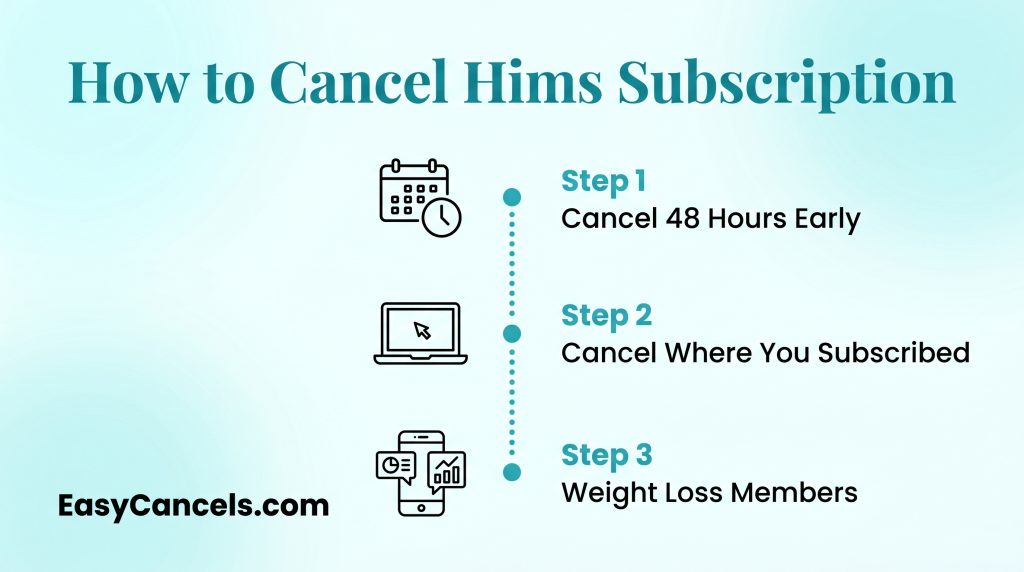
- Cancel at least 48 hours before your next billing date or you will be charged for the next cycle.
- If you signed up through the App Store or Google Play, canceling on hims.com will not stop those charges.
- The Hims Weight Loss Membership at $149 a month is a separate subscription and must be canceled on its own.
Canceling via the Hims Website
This only works if you signed up directly at hims.com.
- Log into your account
- A pop-up should appear listing your active subscriptions
- Uncheck the item you want to cancel to remove it from your plan
Check your next billing date before starting and cancel at least 48 hours before it. Missing that window means you get charged for the next cycle and Hims will not reverse it.
If the pop-up does not appear email [email protected] and ask for a dedicated cancellation link directly.
➤ One thing most people miss is that canceling a product subscription does not cancel the Hims Weight Loss Membership. That bills separately at $39 for the first month then $149 a month after. You need to cancel both independently.
Canceling Hims on iPhone
If you downloaded the Hims app and signed up through it, Apple is your billing source, not Hims. Canceling on hims.com will have zero effect on those charges.
➤ This is the single most common reason people keep getting billed after they think they’ve canceled.
To cancel your Hims subscription on iPhone, follow this path exactly:
- Open Settings on your iPhone.
- Tap your name at the top of the screen.
- Tap Subscriptions.
- Locate Hims in the list.
- Tap Cancel Subscription and confirm.
Check your email for receipts from apple.com/bill, or go to Settings, tap your name, then Subscriptions. If Hims appears there, Apple is your billing source and this is the only place to cancel it.
Canceling Hims on Android
Android users face the same billing channel issue as iOS users. If your Hims subscription was purchased through the Google Play Store, that’s where you cancel it.
Follow these steps to cancel you Hims subscription on Android:
- Open the Google Play Store app.
- Tap your profile icon in the top right corner.
- Tap Payments & Subscriptions.
- Tap Subscriptions.
- Locate Hims in the list and tap it.
- Tap Cancel Subscription and follow the on-screen prompts.
Before you start, verify that Google Play is actually your billing source. Go to Google Play, then Payments & Subscriptions, and check if Hims appears there.
If it doesn’t, your subscription was purchased on hims.com and you’ll need to cancel through the website instead.
Still Getting Charged After Canceling
The most common reason is a billing mismatch. You canceled on hims.com but your subscription was billed through Apple or Google. Those are separate billing systems and canceling in one place does not cancel the other.
Run through this checklist first:
- Check your bank statement to find the charge source: Apple, Google, or Hims directly
- Match that source to the correct cancellation channel and confirm you canceled there
- Check that your cancellation was completed before the billing date
➤ If you canceled within 48 hours of the renewal date the charge may have already gone through. Hims does not refund orders that have been processed or shipped so that charge will not be reversed.
How to Escalate
File a complaint with the Better Business Bureau as a last resort.
Hims does not have a support phone number as of 2026. Support runs through email and live chat only. Go to hims.com, then Help, then Contact Us.
- Email [email protected] and request written confirmation of cancellation
- If billed through Apple or Google open a billing dispute through those platforms
- Contact your credit card issuer to dispute the charge if support is unresponsive

Hims Refund Policy and Pending Orders
Hims does not refund orders that have already shipped or been processed. Canceling stops future shipments but does not reverse the current billing cycle.
If your order has not shipped yet contact Hims support right away via live chat or email. There is a short window between order processing and fulfillment where you may be able to stop the shipment and get a refund.
A refund may be possible in three situations:
- The order was placed but not yet processed
- There is a duplicate or billing error charge
- You received a damaged or wrong item
In any of these cases email [email protected] with your order number and request the refund in writing. If they deny it and you think the charge is wrong escalate to a credit card chargeback.
Consider Pausing Instead
If you are overstocked, traveling, or taking a short break, log into your account settings and skip a shipment or pause your subscription. This avoids the cancellation process entirely.
If your subscription came through a promotional partner or was gifted it may not show up in the standard cancel flow. Contact Hims support directly in that case.

Prescription Access After Canceling Hims
Hims is a telehealth platform, not just a product subscription. Canceling your product plan does not automatically end your prescription or remove your medical history.
If you’re on a GLP-1 medication, ED treatment, or mental health plan, talk to your Hims provider before canceling. Stopping treatment without guidance can affect your health.
After canceling, your consultation history stays in your account, but prescription refills stop. Save or screenshot your records before canceling, just in case.
Also, canceling a product subscription and canceling the Hims telehealth membership are two different things. If you’re on the Weight Loss Membership ($149/month), cancel that separately or it keeps charging you.
Frequently Asked Questions
Can I transfer my Hims prescription to a local pharmacy?
It depends on the medication. Some Hims prescriptions, like compounded drugs, can only be filled through their partner pharmacies. Standard medications may be transferable. Ask your Hims provider or support team to confirm.
Does Hims operate outside the United States?
No. Hims currently only serves customers in the United States. If you move abroad, you will lose access to telehealth services and prescription refills.
Can I use insurance to pay for Hims?
Most Hims services are not covered by insurance. Hims operates mostly as a cash-pay platform. Some HSA or FSA cards may work for eligible medical expenses, but check with your plan first.