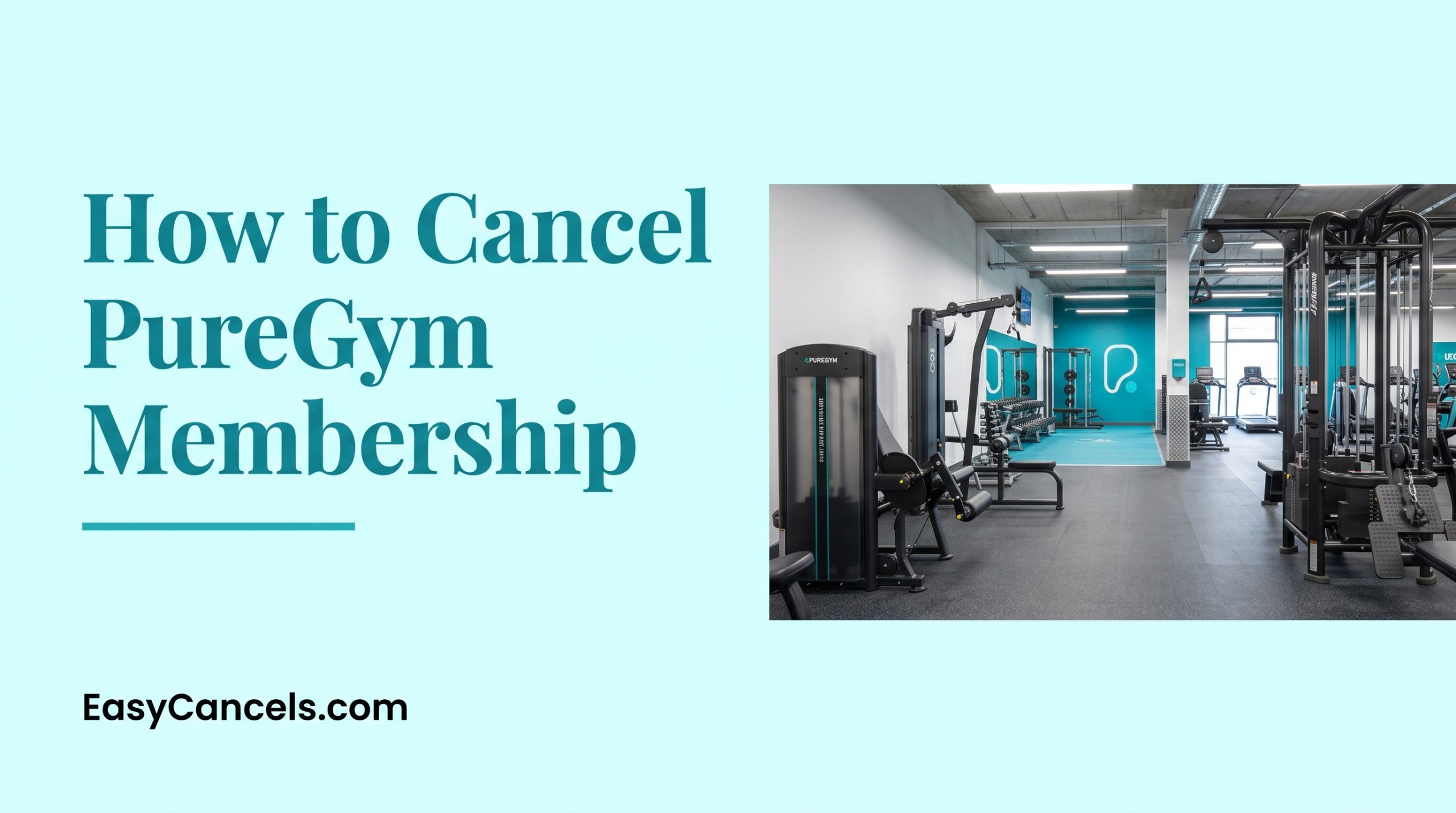
How to Cancel PureGym Membership ( All Methods )
Canceling PureGym is straightforward if you know the exact process and billing cutoffs, but most users miss critical deadlines and face surprise charges.
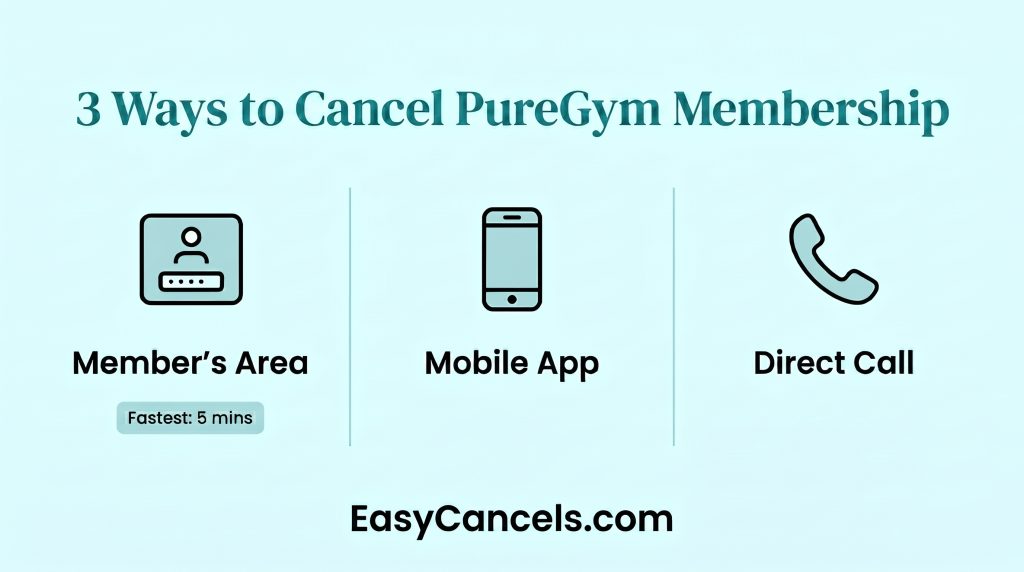
There are three cancellation methods, and the fastest one takes under five minutes.
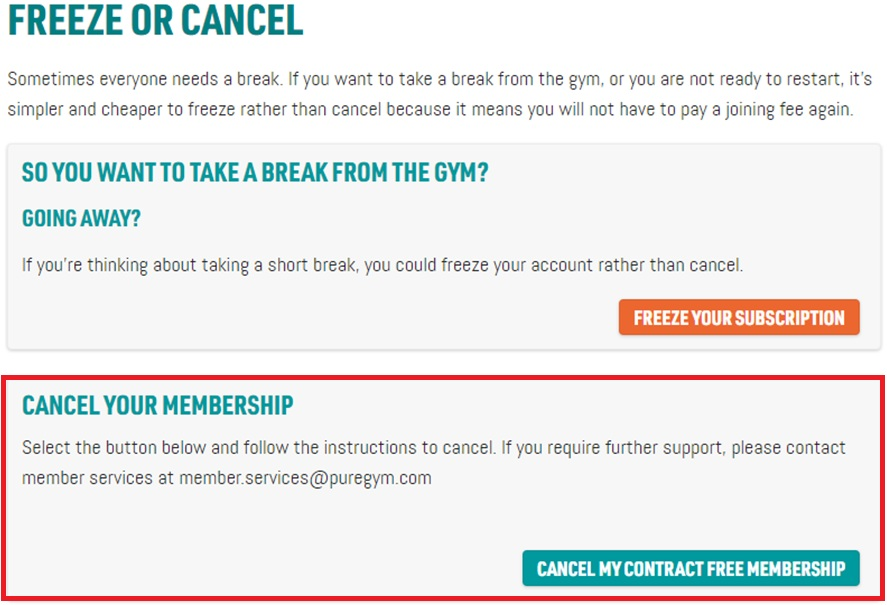
Cancel via Member’s Area
This is the fastest way to cancel.
- Log in
- Click Manage on your Gym Pass tile
- Select Freeze or Cancel
- Choose Cancel, and confirm.
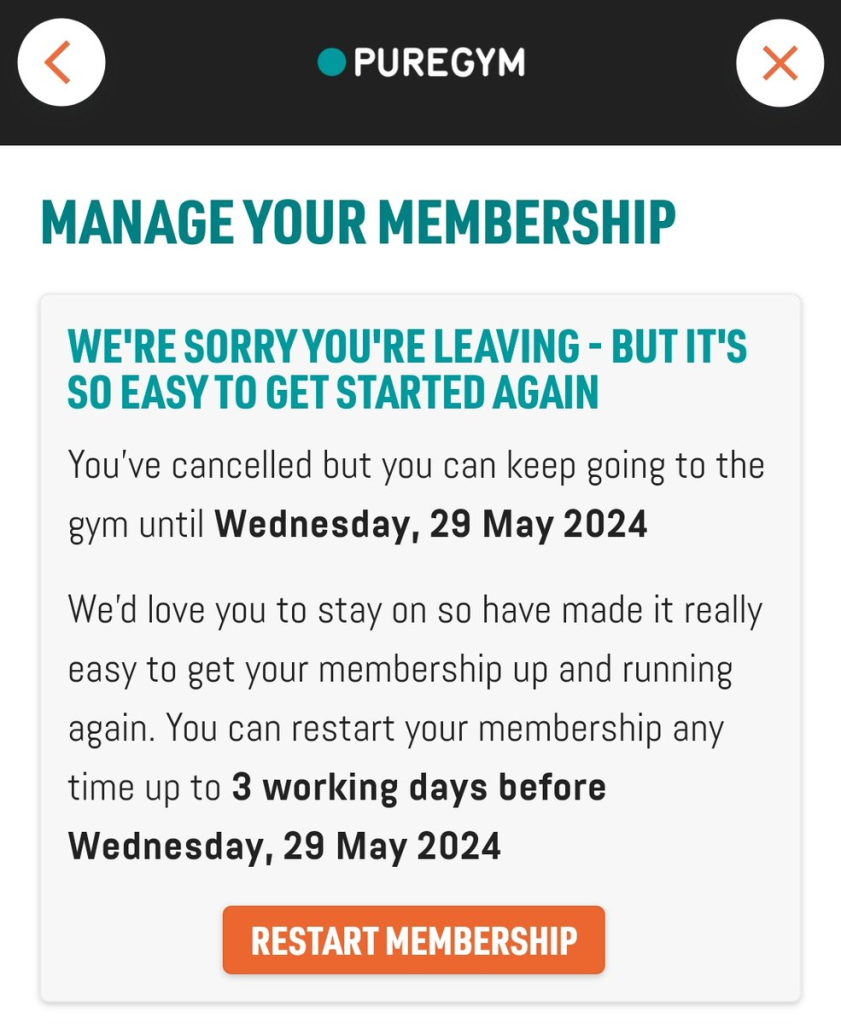
Your cancellation processes within 24 hours.
Timing matters. You must cancel before the 20th of the month or at least 10 days before your billing date to avoid being charged for the next month.
After canceling take a screenshot and save the confirmation email. Check your account within 24 hours to make sure your status updates to Canceled.
➤ If the Cancel button does not appear you may have an unpaid balance or a frozen membership. Sort that out with customer service first.
Cancel on Mobile App
Both iPhone and Android apps let you cancel without a computer. The process is identical to the web version and uses the same 24-hour processing time.
iOS App Steps
- Open PureGym on your iPhone.
- Tap “Account” or “Profile” at the bottom menu.
- Select “Membership” or “Your Pass.”
- Tap “Manage,” then choose “Freeze or Cancel.”
- Confirm your cancellation.
- The app may ask for Face ID or Touch ID before processing.
Android App Steps
- Open PureGym on your Android device.
- Tap the hamburger menu (three lines) or “Account.”
- Navigate to “Membership” or “Gym Pass.”
- Tap “Manage,” then select “Cancel.”
- Confirm the action.
Note: Android users may see a slightly different menu layout than iPhone users.
If the cancel button doesn’t appear, force-close the app and refresh it. Check your app notifications and email spam folder for the confirmation. If status still shows “Active” after 24 hours, try canceling again via the web Member’s Area.
Cancel Over the Phone
Phone cancellation works if you prefer talking to a person.
- Have your account email, membership number, and date of birth ready.
- The representative will verify your identity, confirm your cancellation, and provide a confirmation number.
- Write this down, it’s your proof if charges continue.
Call during off-peak hours (early morning or midweek) to avoid long waits.
Phone and email cancellations follow the same billing cutoff rules as online methods. Same-day phone cancellation doesn’t speed up the process; you still need to meet the billing deadline to avoid the next charge.
Freeze vs. Cancel
Freezing and canceling are different. Freezing pauses your membership for 4 to 8 weeks at no cost, you can’t access the gym, but your account stays active.
Cancellation ends your membership permanently, closes your account, and may trigger early termination fees if you’re within a contract term.
Freeze if you’re traveling short-term, recovering from injury, or unsure about quitting. It’s risk-free and lets you test if you’ll return. Cancel if you’re relocating permanently, switching gyms, or have decided fitness isn’t a priority.
➤ You can cancel during a freeze period. Your cancellation takes effect immediately, the remaining freeze is forfeited, and the same cancellation fees apply as if you were active.
| Feature | Freeze | Cancel |
|---|---|---|
| Duration | 4-8 weeks | Permanent |
| Cost during pause | $0 | Varies by contract |
| Gym access | No | No |
| Account status | Active | Closed |
| Reactivation | Automatic or manual | Requires new signup |
| Fees | None | Early termination fee if applicable |
Cancellation Fees & Charges Stop
If you cancel before your contract ends an early exit fee applies. In the US this is around $25 for a 12-month contract and is prorated based on how many months are left.
Your charges stop on your billing cutoff date. Cancel before the 20th of the month and you skip the next charge. Cancel after the 20th and you get charged for another month.
If you cancel at least 7 days before your billing date you may get a pro-rata refund for unused days.
UK and US fee structures are different so check your membership agreement or contact customer service to confirm what applies to you
Refunds & Credits
Refunds are automatic if you cancel before the cutoff. No need to request them manually. They take 5 to 10 business days to process plus 2 to 3 extra days for your bank to post the funds.
Unused personal training sessions and merchandise credits are lost when you cancel and won’t carry over if you rejoin later. Check your account for any remaining credits before canceling.
If no refund shows up after 14 days contact customer service with your cancellation confirmation number. If you get an unexpected charge after canceling report it to customer service right away.
Your Data After Cancellation
PureGym keeps your personal data for 30 days after cancellation to process refunds. After that it gets deleted unless you opted into marketing emails. Billing records are kept for 6 to 7 years as required by law but are not used for marketing.
➤ After canceling clear your cookies and cache to stop being tracked by third party tools. You can also turn off ad personalization in Google Ad Settings.
➤ Canceling your membership does not automatically unsubscribe you from marketing emails so do that manually through the unsubscribe link in any email footer.
EU and UK members have stronger data deletion rights than US members. Contact customer service to confirm what applies to you.
Reactivating Your Account
You can rejoin PureGym right away after canceling with no waiting period. Sign up as a new member or re-link your existing email.
If you rejoin within 12 months you may get a welcome back discount. Check current promotions at signup. Your previous membership history does not carry over and your account starts fresh.
If you are not sure about canceling, freezing your membership first is a good idea since rejoining later is easy and penalty free.
Cancellation Checklist
- Find your next billing date in the Member’s Area
- Decide: freeze or cancel?
- Check for unpaid balance (pay first if needed)
- Note your membership number and account email
- Choose your cancellation method (online, app, or phone)
- Complete cancellation and screenshot confirmation
- Save your confirmation email
- Verify cancellation status in Member’s Area within 24 hours
- Monitor your bank account for refund (5-10 business days)
- Unsubscribe from marketing emails if desired
Cancellation is permanent. You’ll lose gym access immediately. If you’re unsure, freeze your membership for 4 to 8 weeks first to test if you’ll return.
Frequently Asked Questions
What If I Don’t Receive a Confirmation Email?
Check your spam and promotions folders first. Log into your Member’s Area and verify your status shows “Canceled” within 24 hours. If status shows “Active,” your cancellation didn’t process, try again. If you’re still unsure, contact customer service with your account email and membership number for confirmation.
Can PureGym Deny My Cancellation?
PureGym cannot deny a valid cancellation but may delay it if you have an unpaid balance or account dispute. Resolve those first then resubmit. If you think it was wrongfully denied contact your country’s consumer protection agency.
What Happens If I Cancel During a Free Trial?
If you cancel before your free trial ends you won’t be charged anything. Make sure to cancel before the trial period expires or you will automatically be moved to a paid membership and charged on your next billing date.