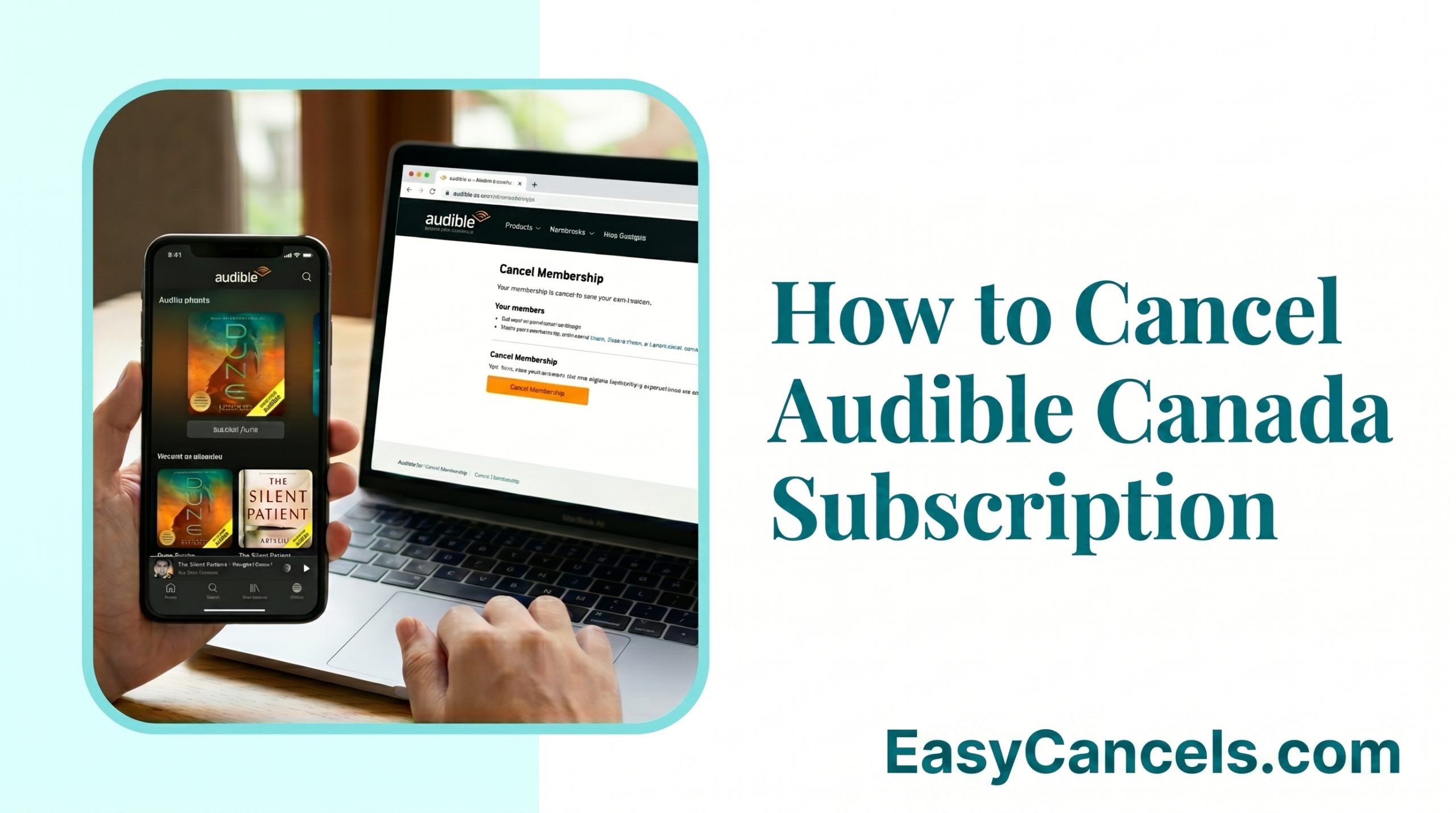
How to Cancel Your Audible Canada Subscription
Audible Canada makes signing up easy but canceling is a different story. The process works across three separate platforms and canceling in the wrong place means your billing continues without any warning.
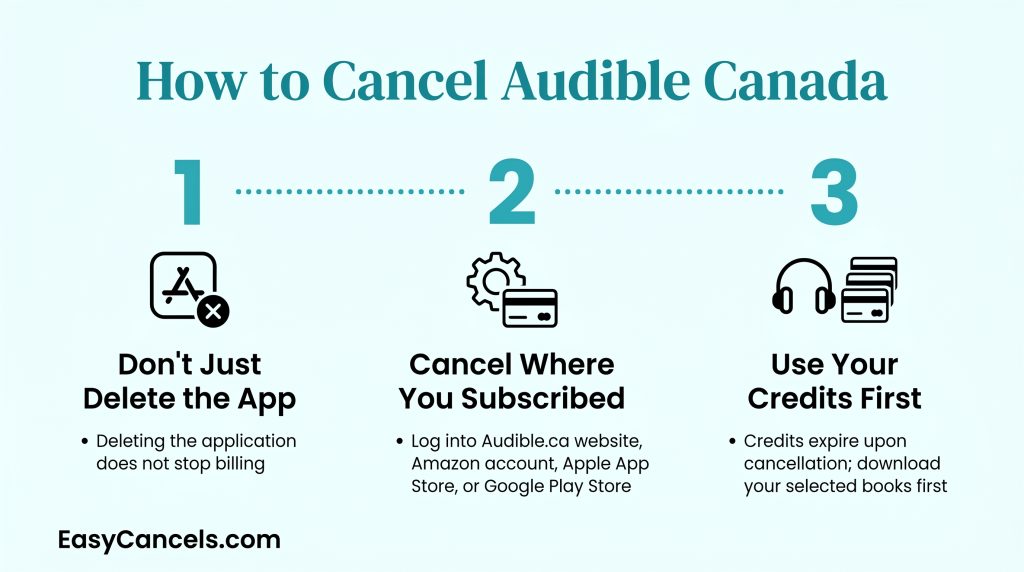
- Deleting the Audible app does not cancel your membership. Billing continues regardless.
- Where you subscribed determines where you must cancel. Audible’s website cannot cancel an App Store or Google Play subscription.
- Unused credits expire at the end of your billing cycle but purchased audiobooks stay in your library permanently.
Cancelling Audible Canada on Desktop
- Log in at audible.ca
- Click your username in the top right
- Select Account Details.
- Scroll down and click the Cancel Membership link.
★ Audible will show you three to five retention screens with offers to pause your membership or reminders about unused credits. Click Continue to Cancel on each screen and do not click any pause or offer buttons unless that is what you want.
The final screen shows your cancellation date and the last day your membership stays active. Screenshot that page as proof.

Confirming Your Cancellation
Audible sends a confirmation email to your Amazon account address within minutes. The email lists your cancellation date and last active day.
If no email arrives log back into audible.ca, go to Account Details, and check if your status shows canceled. If it still shows active the cancellation did not go through and you need to run through the steps again.
Cancelling Audible on iPhone or Android
The platform you used to subscribe is the only platform that can cancel it. If you signed up through the Apple App Store or Google Play, audible.ca has no “Cancel membership” link for you. That’s not a bug, Audible simply doesn’t control that billing relationship. This mismatch is the root cause of most failed cancellation attempts.
Cancel Through iOS Settings
- Open your iPhone’s Settings app
- Tap your name at the top
- Then tap Subscriptions.
- Find Audible in the list and tap Cancel Subscription.
That’s it, Apple handles the rest.
★ Because this goes through Apple’s billing system, any refund request for an App Store charge must go through Apple’s Report a Problem portal, not Audible customer service. Audible agents can’t touch charges billed through Apple.

Cancel via Google Play
Open the Google Play app
Tap your profile icon
Then go to Payments and subscriptions
Then Subscriptions.
Find Audible and tap Cancel subscription.
★ Like iOS, this billing relationship sits with Google, so refund requests for Play Store charges go through Google Play support, not Audible.
If you are not sure which platform you used, log into audible.ca and check Account Details. If there’s no “Cancel membership” link visible, your subscription is managed by Apple or Google.
Credits and Audiobooks After Canceling
Two things happen when you cancel and they work very differently.
Credits
Unused credits expire at the end of your current billing cycle. They do not roll over or refund automatically.
If you are on Audible Premium Plus at $14.95 a month use your credit before canceling or you will lose it.
Audible Standard at $8.99 a month has no monthly credits so there is nothing to worry about there.
Audiobooks
Any title you bought or redeemed with a credit stays in your library permanently even after canceling. There is no expiry on owned content.
Audible Plus Catalog titles are different. These are streaming titles included with membership and they disappear once your membership ends. Purchased titles stay. Streaming titles go.

Cancelling During the Free Trial
Audible Canada offers a 30-day free trial on the $8.99 a month plan. Amazon Prime members may also get extended three-month promotional trials. The cancellation path is the same for both.
- Go to audible.ca
- Account Details
- Then Cancel Membership.
Cancel at least 24 to 48 hours before your trial end date. Once the billing date passes the first charge processes right away with no grace period. Check your exact trial end date in Account Details.
★ Canceling Audible during a Prime linked trial does not affect your Amazon Prime membership. These are completely separate subscriptions and canceling one has no effect on the other.
Pause Instead of Cancelling Audible
If you need a short break from Audible you can pause your membership for one to three months. During that time, you are not charged and credits do not accumulate. Billing resumes automatically when the pause ends.
The pause option appears as a screen during the cancellation flow in Account Details. If you want to pause click it there. If you want to cancel fully click past it.
Pausing is not canceling. Charges resume on schedule when the pause period ends. If you want to stop charges permanently you need to complete the full cancellation.
Canceling by Phone and Getting a Refund
Canceling your membership does not automatically trigger a refund. These are two separate actions.
Audible Canada does not have a public phone number but you can request a callback or start a live chat through help.audible.ca. Agents can handle both cancellation and refund requests in the same conversation.
For refunds contact Audible customer service within 7 days of the charge. Agents can typically refund one recent charge and either return the credit to your account or issue a monetary refund.
★ For App Store charges skip Audible entirely. Apple controls that billing so your refund request goes through Apple’s Report a Problem portal.

Frequently Asked Questions
Does Deleting the App Cancel Audible?
No. Deleting the Audible app does nothing to your membership. Billing continues as normal, and you must cancel through audible.ca, iOS Settings, or Google Play depending on where you originally subscribed.
Does Canceling Amazon Prime Cancel Audible?
No. These are separate subscriptions. Canceling one has no effect on the other. If you got Audible through a Prime promotion you still need to cancel it independently through Account Details on audible.ca.
Can I Still Access Audiobooks After Canceling?
Yes, for anything you purchased or redeemed with a credit. Those titles stay in your library permanently. Audible Plus Catalog streaming titles disappear once your membership ends. Only owned content carries over.
When Does Audible Stop Charging After Canceling?
Cancellation takes effect at the end of your current billing period. You keep full access until that date, and no further charges are made after it. The exact end date appears on the confirmation screen and in your confirmation email.