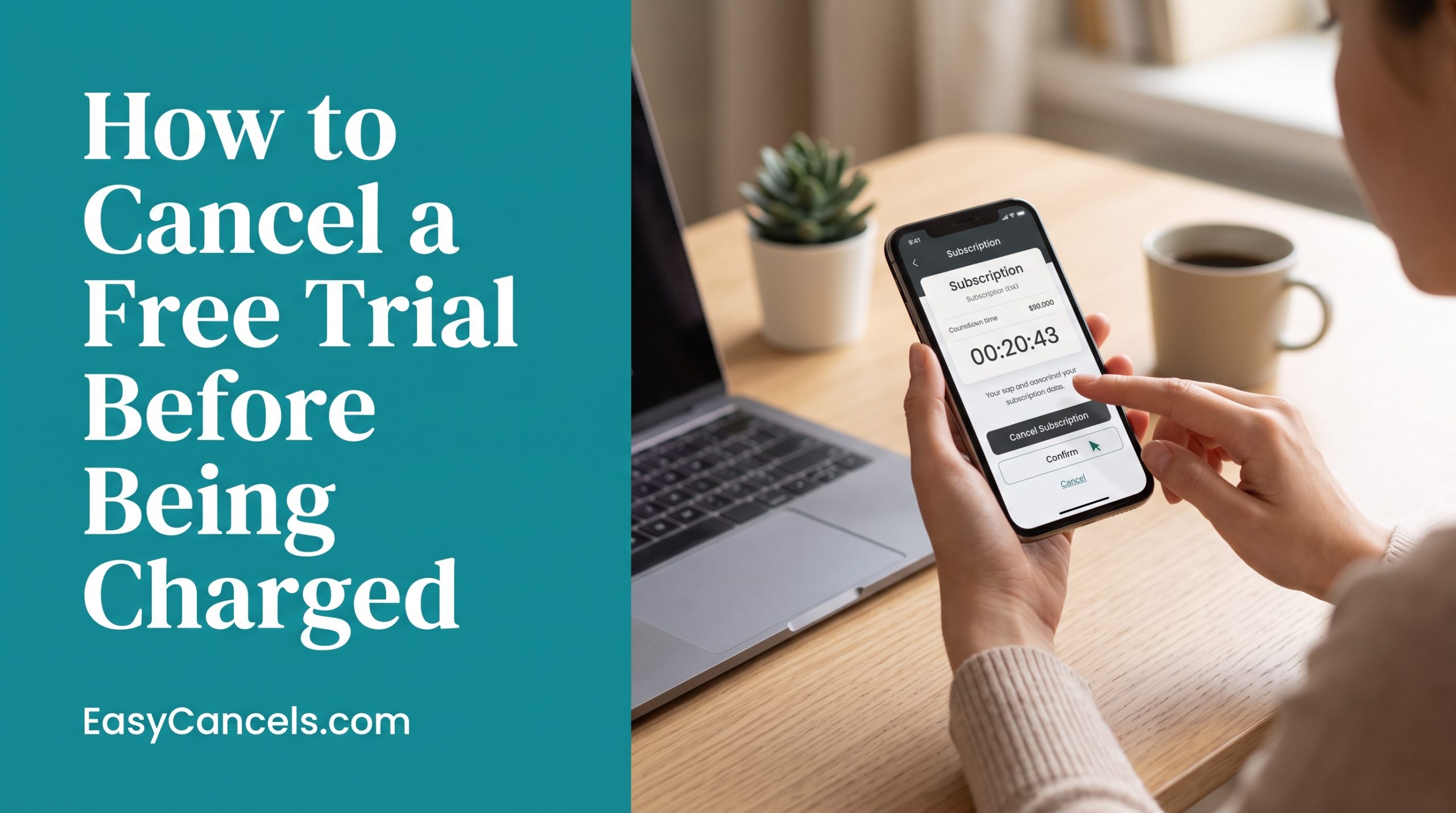
How to Cancel a Free Trial Before Being Charged (Any Service)
Most people set a reminder for the day before their trial ends. That is the wrong move. By the time that reminder goes off, one distraction is all it takes to get charged.
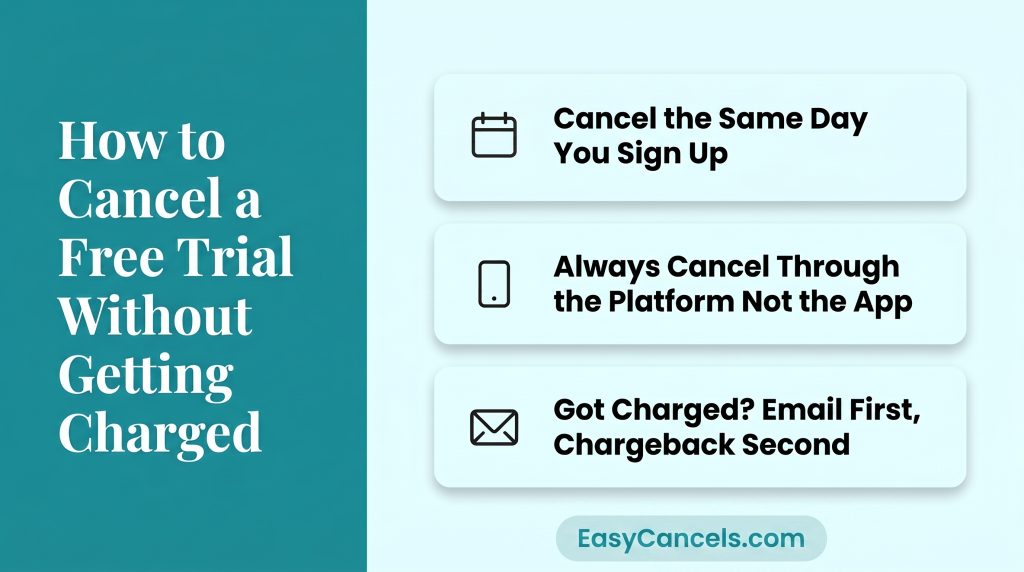
Here are the three most important things to know:
- Cancel on the same day you sign up. You keep full access until the trial ends and you never have to remember a deadline.
- Canceling inside an app does not stop billing if you signed up through Apple or Google Play. Always cancel through the platform itself.
- If you were already charged, a polite email to the company works more often than you would think. If that fails, a chargeback through your bank is your backup.
Cancel the Same Day You Sign Up
The best way to avoid getting charged is to cancel the moment you sign up. Not the day before the trial ends. Right now, while the confirmation email is still open.
Here is what most people get wrong. Canceling does not cut off your access. For almost every major service like Netflix, Spotify, Amazon Prime, and Disney+, you keep full access until the trial end date. Canceling just stops the autorenewal. It does not end your trial early.
Think of it as two separate things. Canceling removes the autorenewal. Your trial access runs until the end date no matter what.
One exception is that some business and software tools cut off access the moment you cancel. Check the terms before canceling any work-related software trial.
App Cancel Button vs. Platform Settings
This is the number one reason people get charged after thinking they already canceled.
Tapping cancel inside an app does not stop billing if you subscribed through the Apple App Store or Google Play. The billing is managed by the platform, not the app.
The cancel button inside the app only changes your in-app preferences and has nothing to do with your actual subscription.
★ The exception is if you signed up directly on a website like spotify.com or amazon.com. In that case, you cancel through that website’s account settings, not through Apple or Google.
Canceling a Free Trial on iPhone
- Go to Settings → Your Name → Subscriptions
- Select the trial you want to cancel
- Tap Cancel Subscription
If the trial does not show up in that list, it was not bought through the App Store. Check the service’s own website instead.
Canceling a Free Trial on Android
- Open the Google Play Store
- Tap your profile icon in the top right
- Go to Payments and Subscriptions → Subscriptions
- Select the trial and tap Cancel Subscription
If you signed up through a website or browser, cancel through that service’s account settings instead.
Canceling Trials on Major Platforms
Each service has its own quirks. Here’s where to go for the most commonly searched ones.
Netflix
As of 2026, Netflix no longer offers a traditional free trial in most regions. Any active plan cancels at
- account.netflix.com > Account > Cancel Membership.
There’s no in-app cancellation path.
Spotify
Spotify Premium trials are managed at spotify.com/account, not through the iOS or Android app.
- Log in, go to Subscription, then select Change or Cancel Plan.
Amazon Prime
Cancellation goes through amazon.com/prime regardless of which device you used to sign up. Expect a multi-step confirmation flow, Amazon walks you through several “Are you sure?” screens. Your watchlist and account data stay intact.
Disney+
Manage at disneyplus.com/account, or through Apple/Google Play if you subscribed via those platforms. If you’re on a Disney Bundle, canceling Disney+ alone may affect your Hulu or ESPN+ access.
Hulu
Go to hulu.com/account. If you subscribed through Apple or Google Play, cancel through those platform settings instead, not Hulu’s website.
PayPal
If you authorized a trial through PayPal, cancel it at
PayPal > Settings > Payments > Manage automatic payments.
This is one of the most commonly missed spots when auditing active trials. A 2026 guide from The Penny Hoarder flags PayPal as a frequent blind spot for people trying to stop free trial charges.
Auditing Every Active Trial You Have
Before you can cancel a trial, you need to know it exists. Run through these four checks once. It takes about 10 minutes and can save you from surprise charges.
- On Apple, go to Settings → Your Name → Subscriptions to see every active and recently expired App Store trial in one list
- On Android, open Play Store → Profile Icon → Payments and Subscriptions → Subscriptions to see all active Google Play trials
- On PayPal, go to Settings → Payments → Manage Automatic Payments to see any trial authorized through your PayPal account
- Check your bank or card statement for small charges between $0 and $1. These are verification charges that mean a merchant has an active trial on file and will charge you at renewal. Flag any you do not recognize right away
Two Failsafes That Block Surprise Charges
If you tend to forget to cancel, these two methods work well together and take the pressure off your memory.
Virtual Credit Cards
Privacy.com lets you create a virtual card number and set a spending limit of $0 or $1. If you forget to cancel, the charge simply gets declined.
Capital One and Citi also offer virtual card tools for their existing customers. This is the closest thing to a foolproof system for avoiding surprise charges.
Calendar Reminders
Set a reminder two days before the trial ends, not the day before. Some services need 24 to 48 hours notice before they process a cancellation. Set a second backup reminder as well. Two reminders, two days early, removes almost all risk.
Use the cancel-on-day-one approach from the first section along with one of these two methods and you have a system that is almost impossible to slip through.
Accidentally Charged
Missing the deadline happens. The good news is that a simple refund request works more often than most people expect. Companies refund accidental first-time charges quite often when you ask nicely.
Email the support team and keep it short:
Hi, I was charged [amount] on [date] after my free trial. I meant to cancel before renewal. This is my first time being charged and I would appreciate a one-time refund. Thank you.
If the company says no, contact your bank or card issuer and mention unauthorized recurring billing. Give them the charge date, merchant name, and a short note saying you did not authorize the renewal. Most banks resolve this within 5 to 10 business days.
Free Trial Fine Print
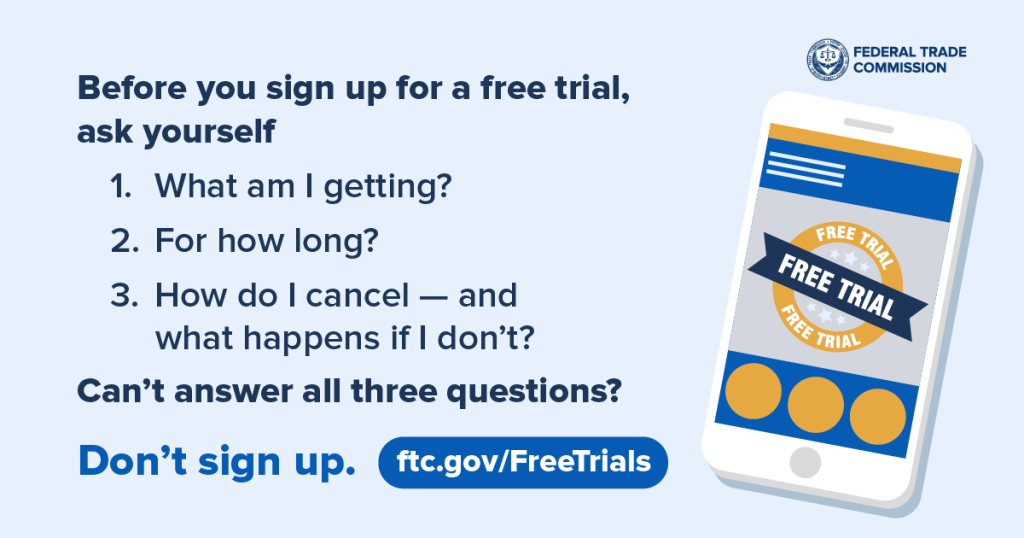
Before you enter your card details, check for these four things in the trial terms:
- Find out if a credit card is required upfront. If yes, auto-renewal starts the moment you sign up
- Check the exact trial length and renewal date. Seven and fourteen day trials are easy to miscalculate, especially if you sign up mid-week
- Find out if you need to cancel a certain number of hours before renewal. Some services require 24 to 48 hours notice, so canceling on the last day may still get you charged
- Check if the service charges you at the end of the trial or just drops you to a free plan. One costs you money, the other just removes features
As of 2026, US-based services are required by the FTC to clearly show cancellation terms before you enter your payment details. If those terms are hidden or missing, treat it as a red flag.
Frequently Asked Questions
Can I sign up for the same free trial twice?
Most services track your email address and payment details, so signing up for the same trial twice usually does not work. Some people get around this by using a different email address, but many platforms now flag duplicate payment details as well.
Does canceling cut off access immediately?
No. For most services like Spotify, Amazon Prime, and Disney+, you keep full access until the trial end date. A small number of business and software tools are exceptions, so check the terms before canceling any work-related software trial.
Does canceling delete your account or data?
No. Canceling a free trial does not delete your account or data on any major platform. Your history, playlists, and preferences stay saved. You can re-subscribe anytime and pick up where you left off.
How do I cancel a free trial on iPhone if it’s not in my subscriptions list?
If it does not appear under Settings → Your Name → Subscriptions, it was not bought through the App Store. Go to that service’s website and cancel through your account settings there.