How to Cancel MyFitnessPal Premium (Web, iOS, Android)
A lot of people ask me why they can’t find the cancel button in MyFitnessPal. The truth is it’s not hidden, it’s just sitting somewhere you probably didn’t sign up.
I’ve walked enough people through this to know the fix usually takes less than five minutes once you know where to look.
Key Takeaways
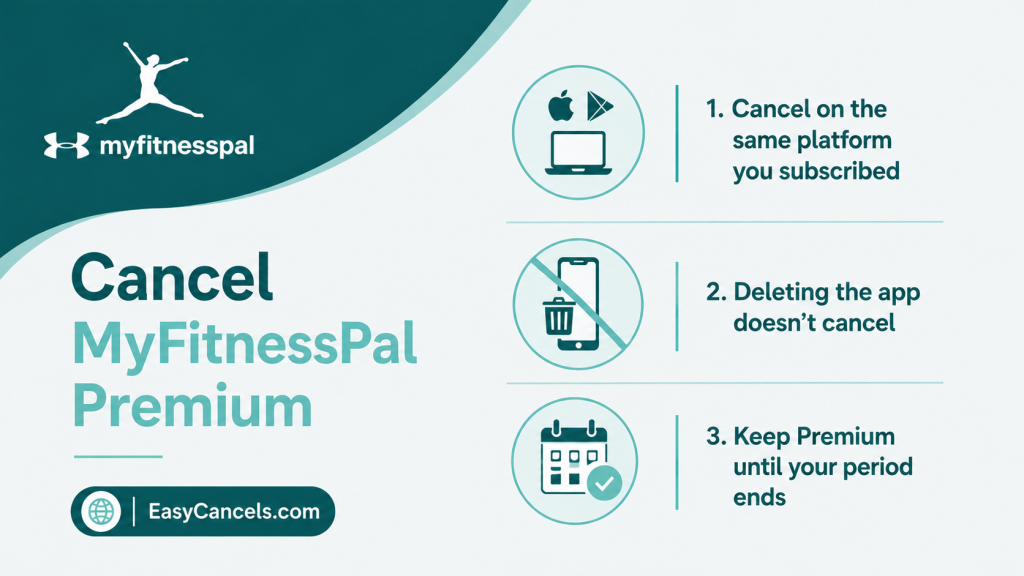
- Cancel on the same platform you paid on, Apple, Google Play, or the MyFitnessPal website, canceling elsewhere won’t work
- Deleting the app does not cancel your subscription, the billing stays active in your Apple ID or Google Play account
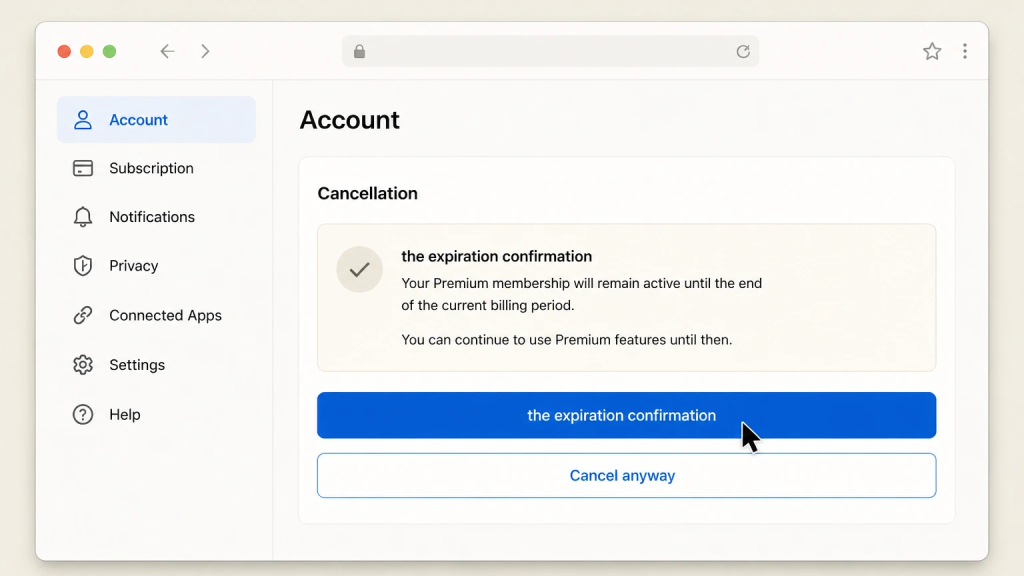
- You keep Premium until your current paid period ends, then drop to the free tier automatically
Subscription Platform
This is the whole game. MyFitnessPal can only cancel a subscription you bought directly on their website.
If you paid through Apple or Google, the billing lives in that account and MyFitnessPal has no way to touch it, so canceling in the wrong place does nothing.
Check the original receipt email or your bank statement. A charge labeled APPLE.COM/BILL means you subscribed through Apple, GOOGLE*MYFITNESSPAL means Google Play, and a plain charge from MyFitnessPal means you signed up on the website. Sort that out before you do anything else.
Cancel on iPhone or iPad
- Open the Settings app on your iPhone or iPad
- Tap your name at the very top to open your Apple ID settings.
- Tap Subscriptions
- Find MyFitnessPal in the active list and tap it
- Tap Cancel Subscription (in red) or Cancel Free Trial if you’re still in a trial, and confirm

★ If you only see a Renew option instead of a cancel button, it’s already canceled. The expiration date on that screen is your last day of Premium access.
Cancel on Android
- Open the Google Play Store app. Don’t open the MyFitnessPal app itself
- Tap your profile icon in the top right
- Tap Payments & subscriptions, then Subscriptions
- Select MyFitnessPal
- Tap Cancel subscription at the bottom and follow the prompts. Google emails a confirmation

Cancel on the Website
- Sign in at myfitnesspal.com
- Go to Settings, then Premium Membership
- Click Cancel Subscription and follow the prompts to confirm


If you subscribed on the website but can’t find a cancel option, contact MyFitnessPal through their support center with your account email and ask them to cancel it on their end.
That only works for direct website subscriptions, not Apple or Google ones.
Deleting the App
This is the single most common reason people keep getting charged after they thought they’d quit.
The subscription lives in your Apple ID or Google Play account, completely separate from the app on your phone.
Uninstalling MyFitnessPal removes the app but leaves the billing running. You must have to cancel through the subscription settings above.
After Cancellation
Canceling doesn’t wipe anything. Your food diary history, weight log, custom foods, recipes, and account all stay exactly where they are.
Your account simply reverts to the free tier once the paid period ends, and you can keep logging food and tracking calories for free as if nothing happened.
★ What you lose are the Premium perks, the ad-free experience, the more detailed nutrition insights, and the extra customization.
Cancel the moment you decide, so you don’t accidentally slip past the 24-hour window.

Canceling During the Free Trial
If you’re on a free trial, the same platform rule applies, and the button will say Cancel Free Trial.
Cancel at least 24 hours before the trial ends and you keep full access right up to the expiry date, then revert to the free plan with your data intact and no charge.
The safest move is to cancel right after signing up, since you lose nothing by doing it early.
For the general playbook on timing this, see how to cancel a free trial before you’re charged.
Refunds
MyFitnessPal generally doesn’t refund partial or unused time, so canceling stops the next charge rather than clawing back the current one.
- If you were charged through Apple and want to try for a refund, request it at Apple’s reportaproblem page with your Apple ID.
- Google Play refunds go through the Play Store’s subscription page.
★ Approval isn’t guaranteed on either, but Apple in particular is reasonable about charges right after a trial ended.
Confirm You’re Actually Canceled
Go back into the subscription screen on your platform and confirm it shows an expiration or end date rather than a next renewal date. That date is your proof.
Then just watch that your usual renewal date passes with no new charge.
The wrong-platform mistake isn’t unique to MyFitnessPal. It catches out anyone who subscribed through an app store, which is exactly what trips up people trying to cancel their Calm subscription too. When in doubt, cancel where the charge comes from.
Didn’t Find Your Answer
What happens if I resubscribe after canceling?
You’ll be charged the current price at the time of resubscribing, not your old rate. Any previous promotional pricing or discounts typically don’t carry over.
Can I switch from a monthly to a yearly plan without canceling first?
What happens if I resubscribe after canceling?
You’ll be charged the current price at the time of resubscribing, not your old rate. Any previous promotional pricing or discounts typically don’t carry over.
What happens to a MyFitnessPal Premium subscription I got through an employer or insurance wellness program?
These are usually managed separately through the third-party provider, not through Apple, Google, or MyFitnessPal directly. You’d need to cancel through that wellness program’s portal instead.
Can I pause my subscription instead of canceling?
MyFitnessPal doesn’t offer a pause feature like some subscription services do. Your only options are to stay subscribed or cancel outright.